Svelte vs Vue vs Angular: The Frontend Framework Playbook
Three frameworks, one decision, and a price tag measured in bytes and hours instead of dollars. Svelte, Vue, and Angular are all free: each ships under the MIT license, so the license line on your budget is $0 for all three. The framework you pick decides how much JavaScript every visitor downloads, how fast a new hire becomes useful, and how much a change of mind costs later.

Three architectures, three answers to the same question
Every frontend framework answers one question: when state changes, what updates on the screen, and how much code does that take? Svelte answers it at build time. Its docs state the idea in one line: Svelte uses a compiler to turn declarative components written in HTML, CSS, and JavaScript into lean, tightly optimized JavaScript. There is no framework runtime shipped to the browser in the way Vue and Angular ship one. Svelte 5 adds runes: symbols you use in .svelte and .svelte.js files to control the compiler, which the docs call part of the syntax — keywords, not functions you import. You write let count = $state(0), and the compiler turns that into reactive code.
Vue answers the same question at runtime, with a Proxy-based reactivity system. Vue 3 wraps your state in JavaScript Proxies, tracks which refs a component read during render, and re-renders the components that track a ref when it changes. The docs describe two API styles on the same engine: the Options API, called more beginner-friendly, and the Composition API with script setup, recommended for full applications. State is declared with ref, as in const count = ref(0), and read as count.value in script while the template unwraps it for you.
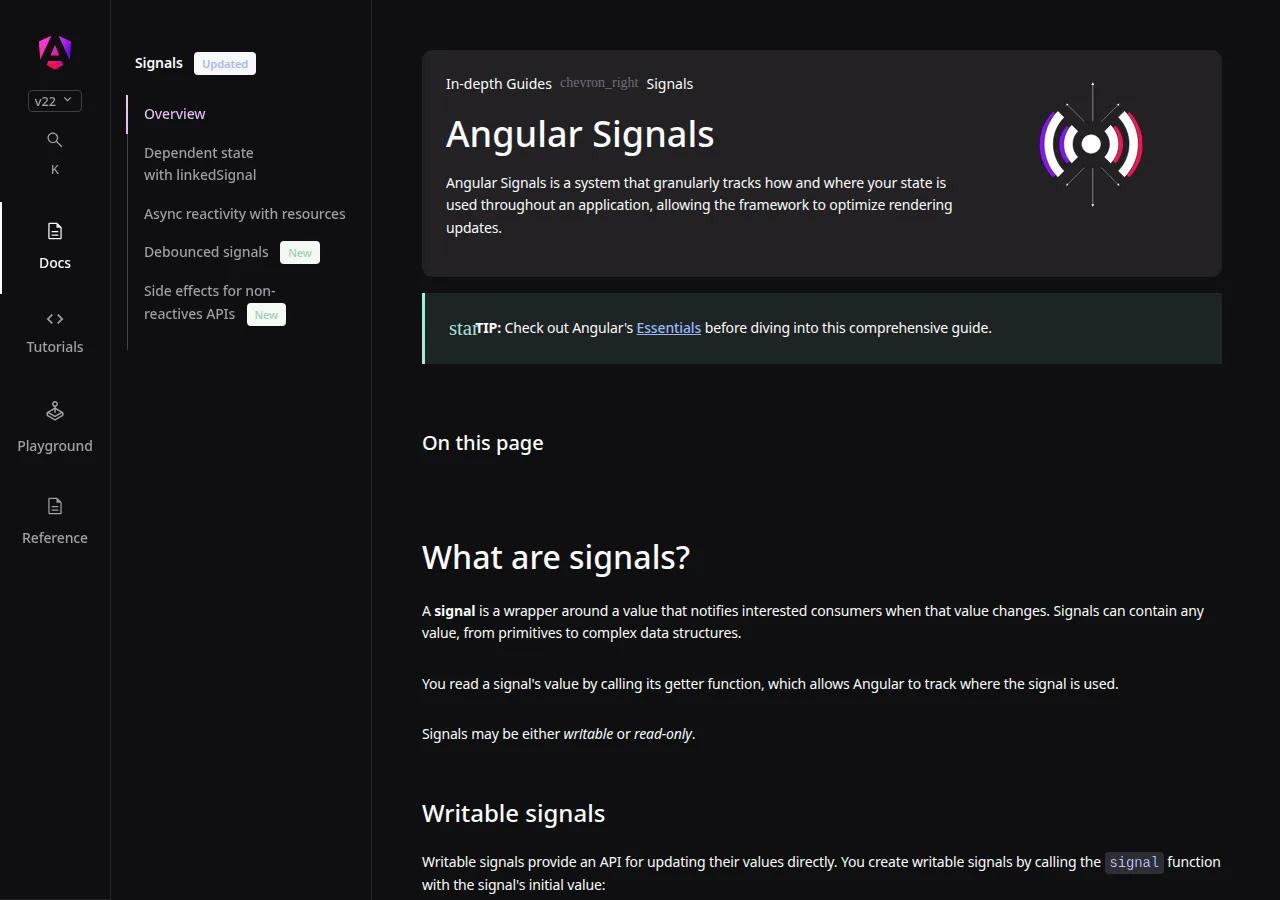
Angular answers with the most complete box: a full platform maintained by a team at Google, with routing, forms, dependency injection, and a CLI in the box rather than assembled from add-ons. Angular 22 is the current line at the time of writing, and its signals model is the newest of the three reactivity designs: a signal is a wrapper around a value that notifies interested consumers when that value changes, and you read it by calling it as a function, as in count(). The platform also ships ng update, which runs automated code changes for major-version upgrades.
| Question | Svelte 5 | Vue 3.5 | Angular 22 | Authority |
|---|---|---|---|---|
| Where does reactivity live? | Compiler output, no runtime shipped | Runtime Proxy tracking | Runtime signals plus change detection | svelte.dev; vuejs.org; angular.dev |
| How is state declared? | let count = $state(0) | const count = ref(0) | const count = signal(0) | svelte.dev; vuejs.org; angular.dev |
| How is state read? | Directly, as count | count.value in script, count in template | By calling count() | svelte.dev; vuejs.org; angular.dev |
| App shell | SvelteKit (separate companion) | Nuxt (separate companion) | Built in: routing, forms, DI, CLI | svelte.dev; vuejs.org; angular.dev |
| License | MIT, $0 | MIT, $0 | MIT, $0 | npm registry records, 2026-11-10 |
The measurement: three starters, one machine, real builds
Vendor bundle claims are easy to print and hard to trust, so we measured instead. On 2026-11-10 we created the default starter for each framework, installed its dependencies, and ran its production build on this machine, then weighed the gzipped JavaScript output. Svelte and Vue used the Vite starter with Vite 8.3.6. Angular used its own CLI, because Angular has no Vite starter. Versions installed that day: Svelte 5.57.3, Vue 3.5.44, Angular 22.2.0 with CLI 22.2.6. Every build ran with default settings and no added code beyond the starter template.
| Starter | Framework version | JS file, raw bytes | JS file, gzip bytes |
|---|---|---|---|
| Svelte, Vite template | 5.57.3 | 30,813 | 12,260 |
| Vue, Vite template | 3.5.44 | 66,271 | 25,623 |
| Angular, CLI default | 22.2.0 | 123,644 | 41,246 |
One honest caveat before the math: the three starters are not identical apps. The Svelte and Vue Vite starters are near-identical counter apps, so that pair is a clean comparison. The Angular starter ships a much larger demo page — its default template file alone is 20,126 bytes of markup — so Angular's number measures starter weight, not a like-for-like app. The versions and byte counts above are exact, so anyone can repeat the builds and check the figures.
The gzip ratios tell the story in one line each:
Vue ships about twice the JavaScript Svelte does. Angular ships about three and a third times Svelte's weight and about 1.6 times Vue's. Put as savings against the heaviest starter:
What the bytes cost a visitor
Take a slow 4G connection at 1.6 Mbps, a stated assumption for this section. Download time is bytes times 8 bits, divided by bits per second:
Angular's starter JavaScript takes 0.145 seconds longer to arrive than Svelte's on that connection. On a 10 Mbps connection the same three numbers are 0.010, 0.021, and 0.033 seconds — the gap shrinks to 0.023 seconds and stops mattering.
Hosting cost runs the other way: it is tiny in every case. Ten thousand visits download the starter JavaScript ten thousand times, so the totals are 122.6 MB for Svelte, 256.2 MB for Vue, and 412.5 MB for Angular. At a stated assumption of $0.09 per GB of egress, that is $0.011, $0.023, and $0.036 per 10,000 visits. Bandwidth is not the reason to pick Svelte; the reason is the 0.145 seconds on a slow connection and the parse time on a cheap phone, which no hosting bill shows. The framework bundle is paid once per visit and then cached, so a 40-route app spreads it thin:
Reactivity head-to-head: runes, refs, and signals
The three reactivity models look similar in a code sample and feel different after a month of use. Svelte runes are the simplest to read: state is a plain variable, and the compiler does the tracking. The cost is that runes only work where the compiler can see them — inside .svelte files and .svelte.js modules. Vue refs are the most flexible of the three: a ref can travel anywhere, into any function or module, and keeps its reactivity connection, which the docs call out as a reason refs exist. The cost is the .value tax in script code and the need to remember that the proxy is not the original object. Angular signals sit between the two: explicit like refs, called like functions, and wired into a change-detection system that knows exactly which components read which signal. The cost is the most ceremony — TypeScript types, decorators, and a larger API surface to learn.
Migration between the three is mostly a reactivity rewrite: $state becomes ref or signal, $derived becomes computed or a computed signal, $effect becomes watchEffect or effect.
Learning curve and hiring pool
Speed to first useful commit depends on what the hire already knows. Vue has the gentlest slope of the three by its own docs: the Options API is described as more beginner-friendly, and a developer who knows HTML, CSS, and JavaScript can ship a Vue component on day one. Svelte is close behind — a Svelte component is HTML, CSS, and JavaScript with a few $ keywords — but runes are a new idea with no equivalent in other frameworks, so the first week includes unlearning old habits. Angular has the steepest slope: TypeScript throughout, decorators, dependency injection, RxJS interop, and the CLI's opinions all arrive together.
Hiring pool is harder to measure honestly than bundle size, so we use one proxy and label it as such: weekly downloads from the npm registry for the week of 2026-11-03 to 2026-11-09. Downloads are not hires, but the shares show where the working code is:
| Package | Weekly downloads, 2026-11-03 to 2026-11-09 | Share of the three |
|---|---|---|
| vue | 24,931,416 | 58.3% |
| svelte | 9,443,701 | 22.1% |
| @angular/core | 8,425,587 | 19.7% |
| Total | 42,800,704 | 100.0% |
Vue's weekly downloads run 2.64 times Svelte's and 2.96 times Angular core's. Read that as ecosystem activity, not as a hiring guarantee: Angular's share understates its enterprise presence, because large Angular teams download once and build behind a firewall. If hiring speed is the deciding factor in your town, count local job posts before you count npm downloads.
Server rendering and the app shell
All three frameworks render on the server, but the path differs. SvelteKit is Svelte's companion app framework, with configurable rendering per route: server rendering, client rendering, or prerendering at build time, plus routing, preloading, and offline support. The SvelteKit docs compare it directly to Next for React developers and to Nuxt for Vue developers. Vue's equivalent is Nuxt, and the Vue docs list server-side rendering and static site generation among the ways Vue is used. Angular builds the shell in: server rendering, static generation, and client rendering are render modes you pick per route, and the CLI adds it with ng new --ssr or ng add @angular/ssr.
Founder & CEO Insight — Enow A. Jovial
Migration cost: pricing a change of mind
Switching frameworks after launch is the most expensive decision in this guide, and the only honest way to price it is per component, in the open, with the assumptions labeled. The model below is a planning estimate, not a measured figure: it assumes a 60-component app, 2 hours of rewrite per component, and a $75 per hour blended developer rate.
The band is $4,500 to $13,500 for a 60-component app, before testing and deployment. Double the components and the band doubles. Three costs sit outside the model: rewriting tests, retraining the team, and the weeks when two frameworks ship side by side during a gradual move. Before you approve a switch, price it with the break-even calculator.
The decision checklist
- Step 1 — Name the app shape. A marketing site, docs site, or five-route tool points at Svelte. A dashboard with a large team and strict process points at Angular. A product growing from a widget into a full app points at Vue.
- Step 2 — Measure your real page. Build a starter in each framework, add your heaviest real page, and weigh the JavaScript: default starter, production build, gzip the output file.
- Step 3 — Test the slow connection. Load each build on a throttled 1.6 Mbps connection on a cheap phone. If the gap between fastest and slowest is under 0.1 seconds, argue about hiring instead of size.
- Step 4 — Count the hires. Search job posts in your city for each framework and ask your last three hires what they already knew.
- Step 5 — Check the shell. List what your app needs beyond components: routing, forms, server rendering, auth. Check whether each is built in, a companion framework, or a library you must pick yourself.
- Step 6 — Price the exit. Run the migration model for your component count. If the switch would cost more than a year of the benefit it buys, stay where you are.
- Step 7 — Decide once, in writing. Record the choice, the numbers behind it, and the date you will revisit it.
Who should pick what
Pick Svelte when the page itself is the product: marketing sites, docs, blogs, and tools where first-load speed on weak connections decides whether a visitor stays. Pick Vue when the team is small, mixed in experience, and the app must grow from a widget into a platform without a rewrite. Pick Angular when the team is large, the process is strict, and one blessed way to build routing, forms, and data loading is worth more than the extra kilobytes.
This guide does not cover React: the React choice is a separate decision with its own numbers, covered in our Next.js vs Remix head-to-head. If your team already knows React, start there instead. If your app is mostly content with a little interaction, a no-code builder may beat all three frameworks; our Webflow vs Framer vs WordPress pricing guide works that comparison.