A founder moves an API to serverless, picks the platform with the lowest headline price, and gets a bill that disagrees. The headline was never the price: Lambda charges GB-seconds of wall time, Workers charges CPU-milliseconds of actual compute, and Vercel Functions charges active CPU plus provisioned memory for the whole instance lifetime. Same function, same traffic, three different bills — and the cheapest platform flips when the workload changes shape.
This playbook fixes one workload and runs it through all three meters, using only the vendors' own published rates, fetched this cycle: 10,000,000 invocations a month, 200 milliseconds of average wall duration, 512 MB of memory on Lambda, a 1 GB provisioned instance on Vercel, 100 milliseconds of active CPU per invocation on Vercel (half the wall time is I/O wait, following Vercel's own 100 ms compute / 400 ms wait example), and 7 milliseconds of CPU per request on Workers (Cloudflare's own worked-example assumption). Change any of those numbers and the ranking moves — the sensitivity section shows exactly how far.
The three meters
| Meter | AWS Lambda | Cloudflare Workers | Vercel Functions (Fluid) |
|---|---|---|---|
| What is billed | Requests + duration in GB-seconds | Requests + CPU time | Invocations + Active CPU + Provisioned Memory |
| Request rate | $0.20 per 1M | $0.30 per extra million (10M included) | $0.60 per 1M on Pro (1M on Hobby) |
| Compute rate | $0.0000166667 per GB-s (x86) | $0.02 per extra million CPU-ms (30M included) | $0.128 per Active CPU hour |
| Memory rate | Folded into GB-s | No memory charge | $0.0106 per GB-hr, billed for instance lifetime |
| Base charge | $0 (pay per use) | $5.00/month minimum (Paid) | $20/month Pro, includes $20 usage credit |
| Free tier | 1M requests + 400,000 GB-s/month | 100,000 requests/day, 10 ms CPU per invocation | 4 CPU-hrs + 360 GB-hrs + 1M invocations (Hobby) |
| Authority | AWS Lambda pricing | Cloudflare Workers pricing | Vercel pricing; Fluid usage & pricing docs |
The table already tells you where each platform bleeds. Lambda bleeds on wall time: a function waiting on a database for 190 of its 200 milliseconds still pays for all 200. Workers bleeds on compute density, with no wall-time charge at all. Vercel bleeds twice: active CPU for the compute, and provisioned memory for the whole lifetime, including the wait.
AWS Lambda: $11.80 on the shared workload
Lambda Event Functions are priced on two lines: requests, and duration in GB-seconds. You choose the memory — 128 MB to 10,240 MB in 1 MB increments — and the CPU scales with it. The free tier is 1 million requests and 400,000 GB-seconds per month.
The shared workload on Lambda:
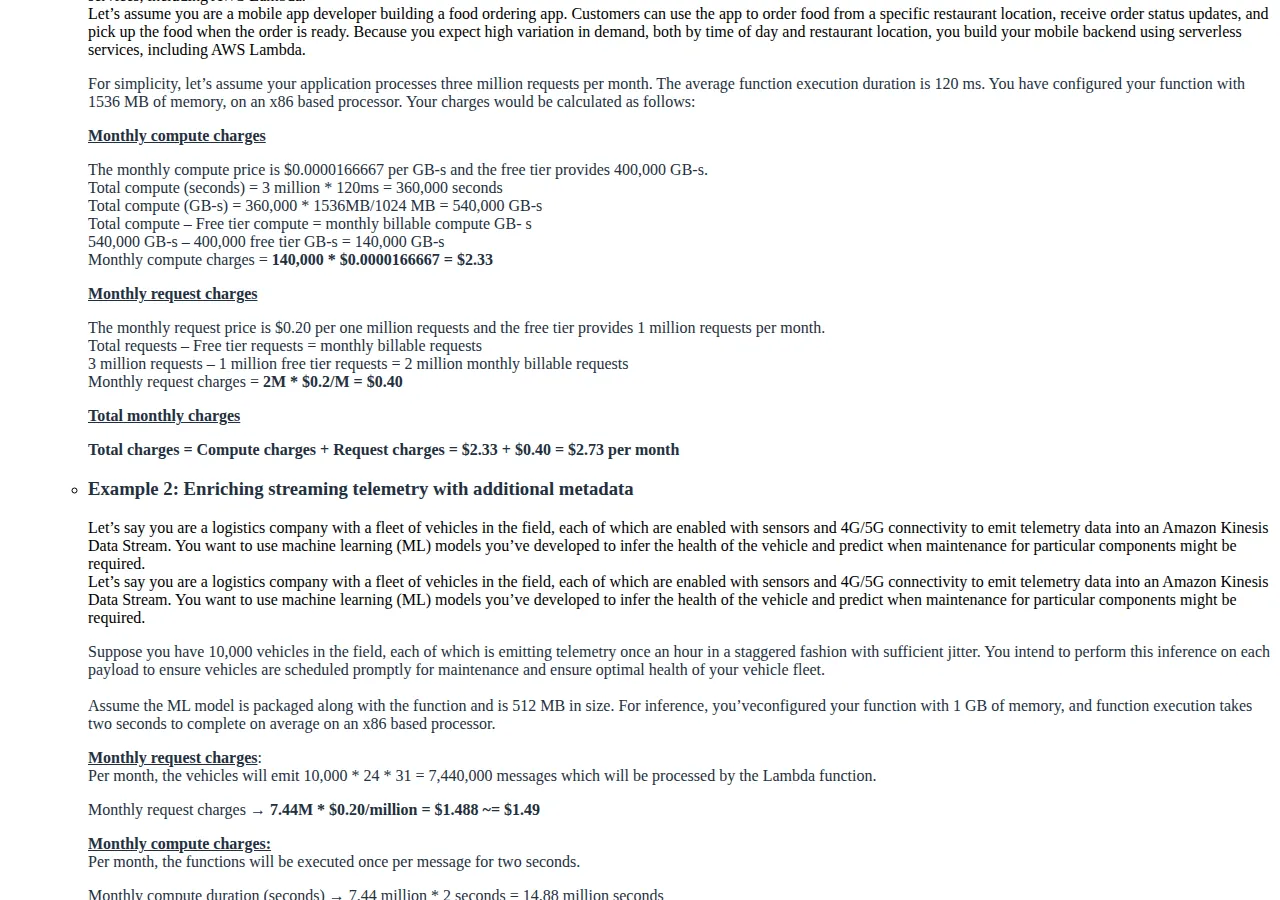
AWS's own worked example confirms the meter: 3 million requests at 120 ms and 1,536 MB is 540,000 GB-seconds, 140,000 billable after the free tier, $2.33 of compute plus $0.40 of requests, $2.73 in total — the same two lines used here.
Lambda's sensitivity is memory: double the memory to 1,024 MB and the GB-seconds double with it:
A function needing 1 GB of memory costs 2.4 times the 512 MB build on the same traffic — the memory knob is a price knob, and Lambda is the only platform where it is.
Cloudflare Workers: $5.80 on the shared workload
Workers on the Standard usage model — current since the March 1, 2024 migration, with Bundled and Unbound deprecated — charges a $5.00 monthly minimum that includes 10 million requests and 30 million CPU-milliseconds a month. Over that, requests cost $0.30 per extra million and CPU time $0.02 per extra million CPU-milliseconds. There is no charge for data transfer or egress, and subrequests are not billed — only inbound requests are. The free plan allows 100,000 requests a day with 10 milliseconds of CPU time per invocation and no duration charge. The CPU ceiling is 5 minutes per invocation; the default is 30 seconds.
The shared workload on Workers, at Cloudflare's own example assumption of 7 milliseconds of CPU per request:
Cloudflare's own worked example is the same shape at larger scale: 100 million requests at 7 ms of CPU each is $5.00 plus $27.00 of requests plus $13.40 of CPU time, $45.40 in total. The meter is linear in CPU, and at 7 ms per request the CPU line stays small.
Workers' sensitivity is CPU density — the steepest of the three. Double the CPU per request to 14 ms and the bill moves to $7.20; push it to 30 ms and it reaches $10.40 — still below Lambda, but the gap is closing:
A compute-heavy function — image processing, JSON parsing at scale, crypto — is where Workers stops being the cheap answer: the meter that makes Workers cheapest on an I/O-bound API also punishes a CPU-bound one.
Vercel Functions: $47.45 on the shared workload
Vercel Functions on Fluid compute bills three lines, and the interaction between the first two is the whole story. Active CPU is the CPU time the code actively consumes, billed per CPU-hour, pausing while the code waits on I/O — Vercel's own example is a function that takes 100 ms to process data but spends 400 ms waiting for a database query, billed for the 100 ms only. Provisioned Memory is billed for the entire instance lifetime in GB-hours, including the I/O wait: a 1 GB instance running for one hour is billed 1 GB-hour regardless of how many requests it handled. Invocations are billed per incoming request, $0.60 per million on Pro, counting regardless of success or failure. Pro is $20 a month and includes a $20 usage credit offsetting on-demand charges; Hobby instead includes allowances — 4 hours of Active CPU, 360 GB-hours of Provisioned Memory, and 1 million invocations — with no on-demand billing. Rates vary by region; this playbook uses Cleveland, the cheapest US region on Vercel's table, at $0.128 per CPU-hour and $0.0106 per GB-hour. São Paulo, for comparison, is $0.221 and $0.0183.
The shared workload on Vercel Pro, Cleveland:
Vercel's own worked example confirms the interaction: a 4 GB function in São Paulo taking 4 seconds of active CPU with the instance alive for 10 seconds costs (4 / 3600) × $0.221 = $0.0002456 of CPU plus (4 × 10 / 3600) × $0.0183 = $0.0002033 of memory, $0.0004489 per request. The memory line alone is 45 percent of that request's cost.
The Hobby allowances do not save this workload: Active CPU of 277.78 hours is nearly 70 times the 4-hour allowance, and the invocations are 10 times the 1-million allowance. This workload needs Pro, on demand — the credit covers less than half the gross.
The small workload: 1 million invocations
At one tenth the traffic, the free tiers decide everything:
| Platform | 1M-invocation bill | Why |
|---|---|---|
| AWS Lambda | $0.00 | 100,000 GB-s is inside the 400,000 free tier; 1M requests is the free tier |
| Cloudflare Workers Free | $0.00 | 1M a month is about 33,000 a day, inside the 100,000-a-day cap |
| Cloudflare Workers Paid | $5.00 | The monthly minimum; nothing over the included 10M requests and 30M CPU-ms |
| Vercel Hobby | Allowance exhausted | Active CPU 27.78 hrs vs 4 hrs included; memory 55.56 GB-hrs inside 360; invocations 1M included |
| Vercel Pro | $0.00 overage | $4.75 gross, fully absorbed by the $20 credit |
Below about a million invocations a month, all three platforms are effectively free — choose on developer experience, cold starts, and ecosystem, not price. The pricing decision only starts to matter when traffic crosses the free tiers, and then it matters in the direction the meters point.
Decision table: which platform for which function
| Workload shape | Cheapest | Why | Authority |
|---|---|---|---|
| I/O-bound API, thin compute | Cloudflare Workers, $5.80 | CPU-ms is the smallest meter; wall time is free | Cloudflare Workers pricing |
| I/O-bound API, 1 GB memory working set | Cloudflare Workers, $5.80 | No memory charge; Lambda would bill the GB-s | Cloudflare Workers pricing; AWS Lambda pricing |
| CPU-bound function, 30 ms+ per request | AWS Lambda, $11.80 (at 512 MB) | Workers CPU line passes Lambda at high CPU density | Both pricing pages |
| Next.js app already on Vercel, low traffic | Vercel Pro, $0 overage | $20 credit absorbs the whole small workload | Vercel usage & pricing docs |
| High-traffic Next.js app, 10M+ requests | Cloudflare Workers or Lambda | Vercel Active CPU scales linearly with traffic; $47.45 at 10M | Vercel usage & pricing docs |
| Function needing > 30 s CPU per invocation | AWS Lambda (15 min max) or Vercel Pro (800 s max) | Workers default CPU ceiling is 30 s, max 5 min | Cloudflare Workers pricing; Vercel Fluid docs |
Two related guides sharpen the choice. The Lambda vs Google Cloud Functions vs Azure Functions pricing guide covers the other hyperscaler trio, on the same GB-second meter at different rates. The serverless cold-start latency guide covers the latency side, which this playbook does not price. And the Workers vs Vercel edge compute guide compares the edge runtimes on latency, not on the function bill. Run the pricing calculator on your own invocation counts, and re-run it quarterly — all three vendors repriced inside the last two years.
Founder & CEO Insight — Enow A. Jovial
Who should NOT use each platform
A CPU-bound function should not default to Workers: at 30 milliseconds of CPU per request the CPU line alone is $5.40 on top of the $5 minimum, and a 100-millisecond CPU function would bill $13.40 of CPU on the same 10 million requests — past Lambda's whole bill. A function holding a gigabyte of state in memory should not default to Lambda: the GB-second meter charges the memory for every millisecond of wall time. And a high-traffic function with 100 milliseconds of active CPU per invocation should not default to Vercel: the Active CPU line scales linearly with traffic, and the $20 credit covers less than half the gross.
Execution checklist
- [x] Step 1: Measure the function: wall time, active CPU time, and memory per invocation, from production logs — not a local benchmark.
- [x] Step 2: Run the shared-workload math: plug your invocation count, wall time, CPU time, and memory into the three meters and compare the totals.
- [x] Step 3: Run the sensitivity: double the CPU per request and double the memory, and watch which platform flips. If a flip is inside your plausible range, the choice is not settled.
- [x] Step 4: Check the ceilings: Workers 30-second default CPU limit (5-minute max), Lambda 15-minute maximum, Vercel Pro 800-second maximum. A function that exceeds a ceiling is not a pricing decision.
- [x] Step 5: Price the stack: add data transfer, storage, and downstream service calls to the function meter first.
- [x] Step 6: Re-run quarterly: all three vendors repriced inside the last two years; today's ranking is not a permanent fact.