The backup is not the product. The restore is. A PostgreSQL cluster that has never been restored from its own backups is a cluster whose backups are untested, and the documentation's rule is plain: set up and test WAL archiving before your first base backup, because recovery needs an unbroken WAL sequence back to the start of the backup. This playbook builds the whole chain — base backup, WAL archive, recovery target, and the restore drill that proves it.
PostgreSQL gives you three fundamentally different approaches to backing up data, and the documentation's Chapter 25 names them in order: SQL dump, file-system-level backup, and continuous archiving.
The three approaches, compared
| Approach | What it captures | Recovery point | Recovery scope | Authority |
|---|---|---|---|---|
SQL dump (pg_dump, pg_dumpall) | Logical SQL: schema plus data, database by database | The moment the dump ran | Single database, or all databases with pg_dumpall plus globals | PostgreSQL Docs, ch. 25.1 |
| File-system-level backup | The whole cluster data directory, copied while the server runs or is stopped | The moment of the copy, plus WAL replay if combined with archiving | Entire cluster only | PostgreSQL Docs, ch. 25.2 |
| Continuous archiving (PITR) | Base backup plus the unbroken WAL sequence after it | Any point since the base backup | Entire cluster, to a chosen time, transaction ID, or named restore point | PostgreSQL Docs, ch. 25.3 |
The dump is the simplest tool and the most limited. pg_dump produces a logical backup of a single database; pg_dumpall adds the cluster-wide globals — roles, tablespaces — that pg_dump does not carry. A dump restores with psql or pg_restore, preserves JSON values as text, and is portable across architectures and major versions. Its hard limit is the recovery point: a dump taken at 02:00 cannot restore a transaction committed at 14:00, and a dump cannot be used as part of a continuous-archiving solution — a logical dump contains no WAL information and cannot be replayed. A file-system-level backup copies the data directory; combined with WAL archiving it becomes the base backup of a PITR system.
Choose by the recovery point objective: a nightly dump suffices if the business can lose 24 hours of writes; otherwise continuous archiving is the answer. For the database-choice context, see the Postgres vs MySQL vs SQLite selection playbook; for the connection layer, see the PgBouncer pooling playbook.
WAL mechanics: the archive is the backup
PostgreSQL maintains a write-ahead log in the pg_wal/ subdirectory of the data directory. Every change to the data files is recorded there first, and the log exists primarily for crash safety: after a crash the database replays the log entries since the last checkpoint. The same log makes continuous archiving possible: restore the base backup, replay the WAL files, and the cluster comes back to any point since the backup.
The mechanics have four settings and one command, all in postgresql.conf:
wal_levelmust bereplicaor higher. Atminimal, some SQL commands skip WAL logging, so archive recovery would lack information.wal_levelcan only be changed at server start.archive_modemust beon. It can be changed with a configuration reload, but the archive only starts capturing segments once it is on.archive_commandis the shell command that copies each completed WAL segment to the archive,. Inarchive_command,%pis the path of the file to archive and%fis only the file name. The documentation's example is:
archive_command = 'test ! -f /mnt/server/archivedir/%f && cp %p /mnt/server/archivedir/%f'archive_timeoutforces a segment switch at least that often, which bounds how old unarchived data can be on a quiet server.
WAL segments are normally 16 MB apiece, named by their position in the WAL sequence. When archiving is on, each segment is captured once filled, before it is recycled. The archive contains effectively everything in the database, so the archive directory must not be group- or world-readable.
The contract with the archive command is strict, and it is the most common failure in the whole system: the command must return zero exit status if and only if it succeeds. On a zero result PostgreSQL assumes the file is archived and removes or recycles it; on a nonzero result it retries periodically until it succeeds. The command must also refuse to overwrite a pre-existing archive file — the test ! -f guard in the example exists for this — because overwriting a good archive with a different segment destroys the recovery chain. Monitor pg_stat_archiver directly: archived_count against failed_count, and the age of the last archived segment. If archiving falls behind, pg_wal/ keeps filling, and if the file system containing pg_wal/ fills up, PostgreSQL does a PANIC shutdown. No committed transactions are lost, but the database stays offline until you free space.
postgresql.conf, pg_hba.conf, and pg_ident.conf are edited manually, not through SQL, so they are not in the WAL stream and will not come back in a restore. Keep them under version control.Base backups: pg_basebackup and the history file
pg_basebackup is the easiest way to take a base backup, copying the cluster as regular files or as a tar archive — the low-level API in section 25.3.4 of the documentation does the same job by hand. Either way, the base backup is only half the recovery set: you must also keep every WAL segment generated during and after the backup. The base backup process creates a backup history file, stored immediately into the WAL archive area, named after the first WAL segment the backup needs. Once the file-system backup and the WAL segments it names are safely archived, older segments are no longer needed for that backup and can be deleted
Point-in-time recovery: picking the target
Recovery replays the WAL from the base backup forward and stops at a target you name in postgresql.conf (with a recovery.signal file since PostgreSQL 12). The targets the documentation supports:
| Target setting | What it stops at | Use it when |
|---|---|---|
recovery_target_time = '2026-11-19 14:30:00+01' | The first transaction committed after that timestamp | A bad deploy or a bad data load at a known clock time |
recovery_target_lsn = '0/3000028' | A specific log sequence number | You have the exact LSN from the logs |
recovery_target_xid = '123456' | A specific transaction ID | You know the offending transaction |
recovery_target_name = 'before_migration' | A named restore point created with pg_create_restore_point() | You created a restore point before the risky operation |
recovery_target = 'immediate' | The end of the base backup, with no WAL replay | You want the base backup alone, fast |
Set recovery_target_action to decide what happens when the target is reached: pause stops and waits for you to inspect, promote brings the cluster up as a new primary, and shutdown stops the server. For disaster recovery, promote is the usual choice; for a forensic recovery, pause lets you inspect first.
The restore procedure, in order:
- Stop the failed cluster.
- Provision a restore target with enough disk for the base backup plus the WAL replay.
- Copy the base backup in.
- Write the recovery configuration with the target and the
restore_commandthat fetches WAL segments from the archive. - Start the server and watch the logs until it reaches the target.
- Verify the data — row counts, the latest transaction timestamp, the smoke test.
- Promote it and repoint the application.
The recovery math: RPO and RTO, worked
The recovery point objective (RPO) is the maximum data loss the business accepts, measured in time. The recovery time objective (RTO) is the maximum time the business accepts being down. Continuous archiving bounds the RPO by the archive lag: the gap between the newest committed transaction and the newest archived WAL segment.
Work it with stated assumptions. A cluster generates 180 GB of WAL per day — 7.5 GB per hour, 125 MB per minute. The archive command runs within 60 seconds of a segment filling, and archive_timeout is set to 60 seconds, so the worst-case lag between a commit and its segment reaching the archive is about 2 minutes of WAL, or 250 MB.
The RTO is the restore time, and it has two terms:
Work it. A 2.4 TB cluster restores from object storage at 400 MB/s: 2,400,000 MB / 400 MB/s = 6,000 seconds, or 100 minutes. Then 180 GB of WAL replays at 300 MB/s: 600 seconds, or 10 minutes. Total: 110 minutes, before verification. If the RTO is 60 minutes, this system fails it, and the fixes are concrete: keep a warm standby, restore from faster storage, or take base backups more often. Measure both throughputs on your own hardware. For the multi-tenant access rules that protect the restored data once it is back, see the Postgres row-level security playbook.
SELECT pg_create_restore_point('before_migration');. It costs one line, it gives recovery_target_name an exact anchor.pgBackRest: full, differential, incremental
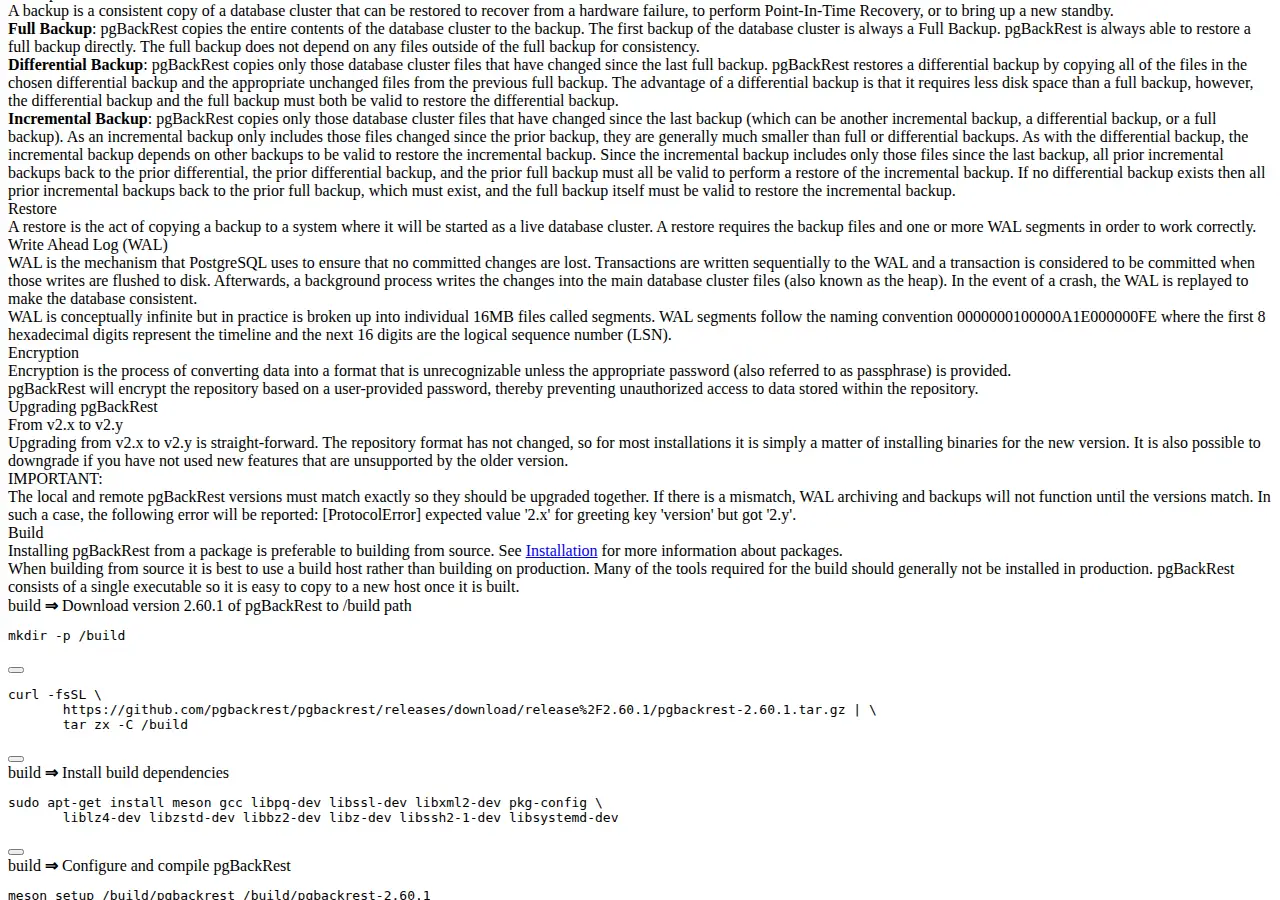
pg_basebackup plus a shell archive command is enough for a small cluster. For a production cluster, pgBackRest is the tool the PostgreSQL ecosystem standardizes on. The guide's examples target Debian and Ubuntu; only the OS-specific cluster commands differ. Its user guide defines the three backup types precisely:
| Backup type | What it copies | Restore needs | Cost profile |
|---|---|---|---|
| Full | The entire cluster contents | Only the full backup itself | Largest, slowest, self-contained |
| Differential | Files changed since the last full backup | The differential plus its full backup | Smaller than full; both must be valid |
| Incremental | Files changed since the last backup of any kind | Every incremental back to the last differential, plus the full backup | Smallest; the whole chain must be valid |
A stanza is pgBackRest's configuration for one cluster: where the cluster lives (pg1-path), where the repository lives (repo1-path), and the archiving options. Create it with pgbackrest --stanza=app stanza-create, back up with pgbackrest --stanza=app --type=full backup, and check it with pgbackrest --stanza=app check. Retention is a setting, not a habit: --repo1-retention-full=2 keeps two full backups, with --repo1-retention-diff and --repo1-retention-archive bounding the rest. Expire with pgbackrest --stanza=app expire. Verify with pgbackrest --stanza=app verify, which checks the repository against the backup manifests.
The storage math is the retention policy written out:
At a 2.4 TB cluster, two retained full backups, and 180 GB of WAL a day retained for 14 days, the repository needs 4.8 TB plus 2.52 TB — 7.32 TB before compression and deduplication, which pgBackRest applies. Price that storage before you commit to the retention policy: run the numbers through the website cost calculator with the retention window as an input.
Failure modes and the restore drill
| Failure | Symptom | Fix |
|---|---|---|
| Archive command fails silently | pg_stat_archiver.failed_count climbs; pg_wal/ grows | Fix the command, check the archive directory permissions, watch failed_count in monitoring |
pg_wal/ fills | PANIC shutdown, database offline | Free space, fix archiving, restart; no committed data is lost |
wal_level = minimal with archiving on | WAL lacks the information for archive recovery | Change wal_level to replica at server start; do not archive on minimal |
| Dump used for PITR | Restore has no WAL to replay | Use a base backup plus WAL; pg_dump cannot be part of a continuous-archiving solution |
| Incremental chain broken | Restore fails on a missing intermediate backup | Verify the repository regularly; never delete an intermediate backup by hand |
| pgBackRest version mismatch | Protocol version error; archiving stops | Upgrade local and remote together; versions must match exactly |
The drill is the deliverable. Once a quarter, restore the newest full backup plus WAL to a scratch server, recover to 15 minutes ago, and record the measured restore time against the RTO.
Founder & CEO Insight — Enow A. Jovial
Execution checklist
- [x] Set the WAL chain first:
wal_level = replica,archive_mode = on,archive_commandwith thetest ! -fguard,archive_timeoutaround 60 seconds — test archiving before the first base backup. - [x] Take the base backup:
pg_basebackupor pgBackRest full backup; confirm the backup history file is archived. - [x] Monitor the archiver:
pg_stat_archiver—archived_count,failed_count, and the age of the last archived segment, alarmed. - [x] Define the targets: name restore points before risky operations; decide the RPO and RTO in writing and check the math against them.
- [x] Set retention in the tool: pgBackRest
--repo1-retention-fulland archive retention; expire on a schedule. - [x] Version-control the configuration:
postgresql.conf,pg_hba.conf,pg_ident.conf. - [x] Verify the repository:
pgbackrest verifyon a schedule. - [x] Run the restore drill quarterly: restore to a scratch server, recover to 15 minutes ago, run the smoke test, record the measured restore time, and fix whatever the drill exposes.